How to Automate Client Onboarding with n8n
A practical workflow for turning a new enquiry into a clear, consistent and welcoming client experience.
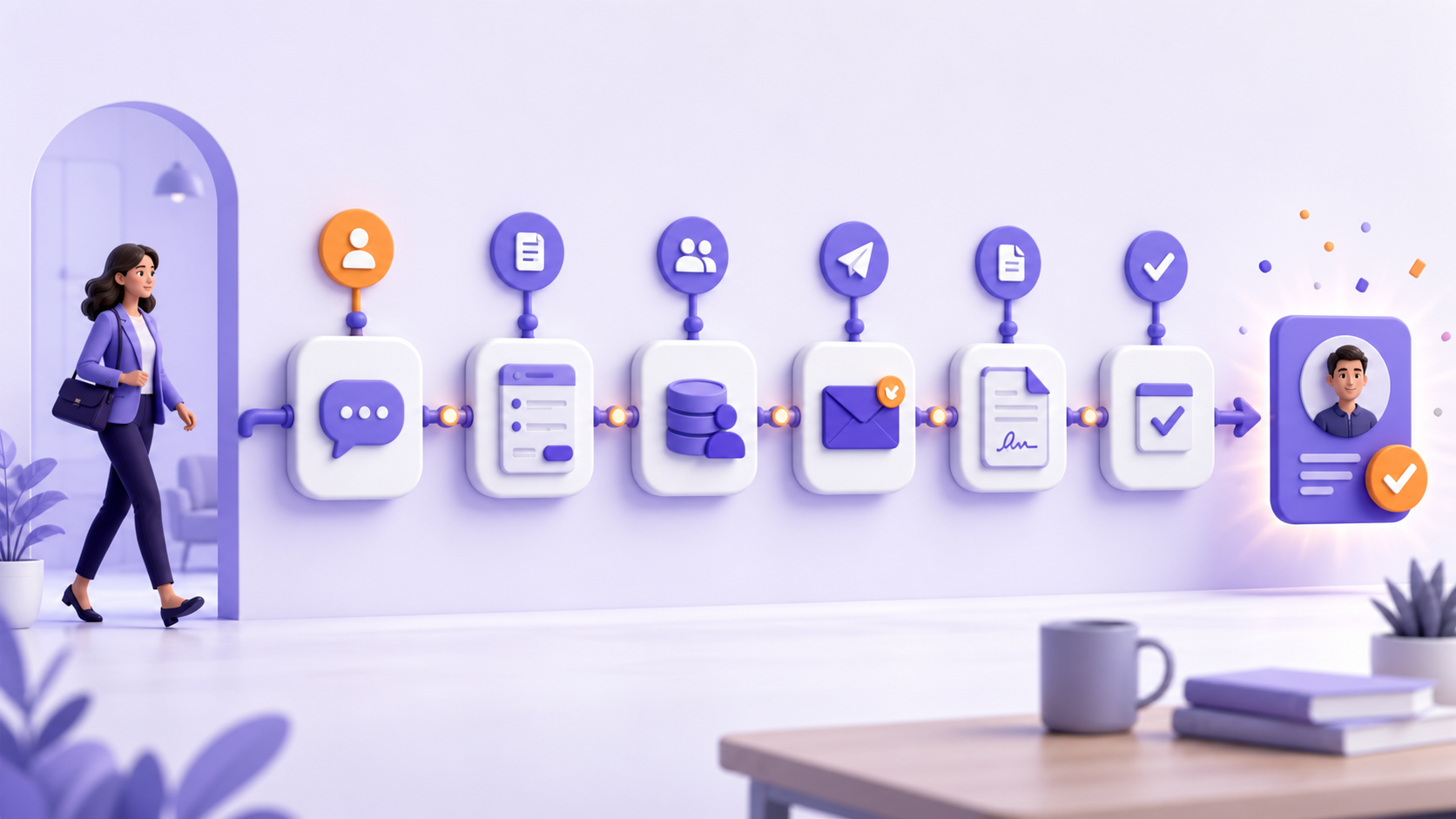
Automating client onboarding with n8n can remove repetitive administration without making the experience feel impersonal. The best onboarding workflows give clients faster responses while keeping your team informed and in control.
A typical process involves forms, email, a CRM, document collection, internal tasks and follow-up reminders. When these steps depend on memory, delays and inconsistent communication appear. Automation connects the steps, records what happened and alerts a person when judgement is required.
What should an automated onboarding workflow do?
The workflow should create one reliable path from “we have agreed to work together” to “the client knows what happens next.” That path may include capturing details, validating required information, creating records, sending instructions, assigning work and monitoring incomplete actions.
The official n8n documentation describes n8n as a workflow automation tool that connects applications and APIs and can transform data between them. That flexibility makes it suitable when onboarding spans several systems.
A practical onboarding workflow
Client-facing steps
- Welcome message and next steps
- Secure information collection
- Document and agreement requests
- Progress reminders
Internal steps
- Create CRM and project records
- Assign owners and tasks
- Notify finance or delivery teams
- Escalate missing or unusual data
1. Choose a dependable trigger
The trigger might be a signed agreement, confirmed payment, approved proposal or manual status change. Avoid starting from an ambiguous event such as a marketing enquiry if the business has not yet accepted the engagement.
2. Validate the information
Check that required names, contact details, service selections and identifiers are present. Normalise formats before creating records. When information is incomplete, route it to a clear exception path rather than allowing the workflow to fail silently.
3. Create the working records
Create or update the CRM contact, company, project folder and task list. Use a stable identifier to prevent duplicate records when a workflow is retried. Record the source and time of each automated action for troubleshooting.
4. Send a useful welcome message
The message should confirm what has happened, explain the next action, identify the responsible contact and give realistic timings. Personalise it with verified data, not assumptions. High-value engagements may require a human approval step before the message is released.
5. Assign work and deadlines
Create tasks for delivery, finance or compliance teams with owners and due dates. A notification without an assigned task often becomes another message that people must remember.
6. Monitor completion and exceptions
Schedule reminders for missing forms or documents. Alert a person when a deadline passes, an integration fails or the client provides an unexpected response. Review n8n execution history so repeated failures can be corrected rather than manually patched.
What should not be fully automated?
- Approving unusual commercial terms
- Making legal or financial judgements
- Sending sensitive information without verification
- Handling complaints or emotionally sensitive situations
- Committing to delivery dates that have not been approved
How to measure success
Track time from agreement to completed setup, percentage of clients completing each step, number of manual touches, exception rate and the time your team spends correcting records. Client feedback matters too: a fast workflow is not successful if instructions are confusing.
Start with one repeatable journey
Do not automate every variation at once. Choose one common service, map the current process and define the expected result. Build the standard path, then add exception handling based on real usage.
Fontomkeys builds focused client onboarding automation systems and broader AI automation services. We can help map the process, connect your tools and define a practical first release.
n8n onboarding automation questions
Can n8n connect our existing tools?
n8n supports many built-in integrations and can communicate with systems that provide an API. Feasibility depends on authentication, available endpoints and the quality of the source data.
How do we prevent duplicate client records?
Use a consistent unique identifier, search before creating, and design retry-safe steps. The workflow should log decisions and route uncertain matches for review.
Can a person approve steps?
Yes. Human approval points can be added before messages, commitments or sensitive updates.
Build a smoother onboarding journey
Start with one client type and one measurable outcome.